Turn any photo into a coloring page
Point your camera at anything: a favourite toy, a pet, a face, a flower. Sketchingo draws it as clean black line art. Then color it in, right on your phone.
See who it's for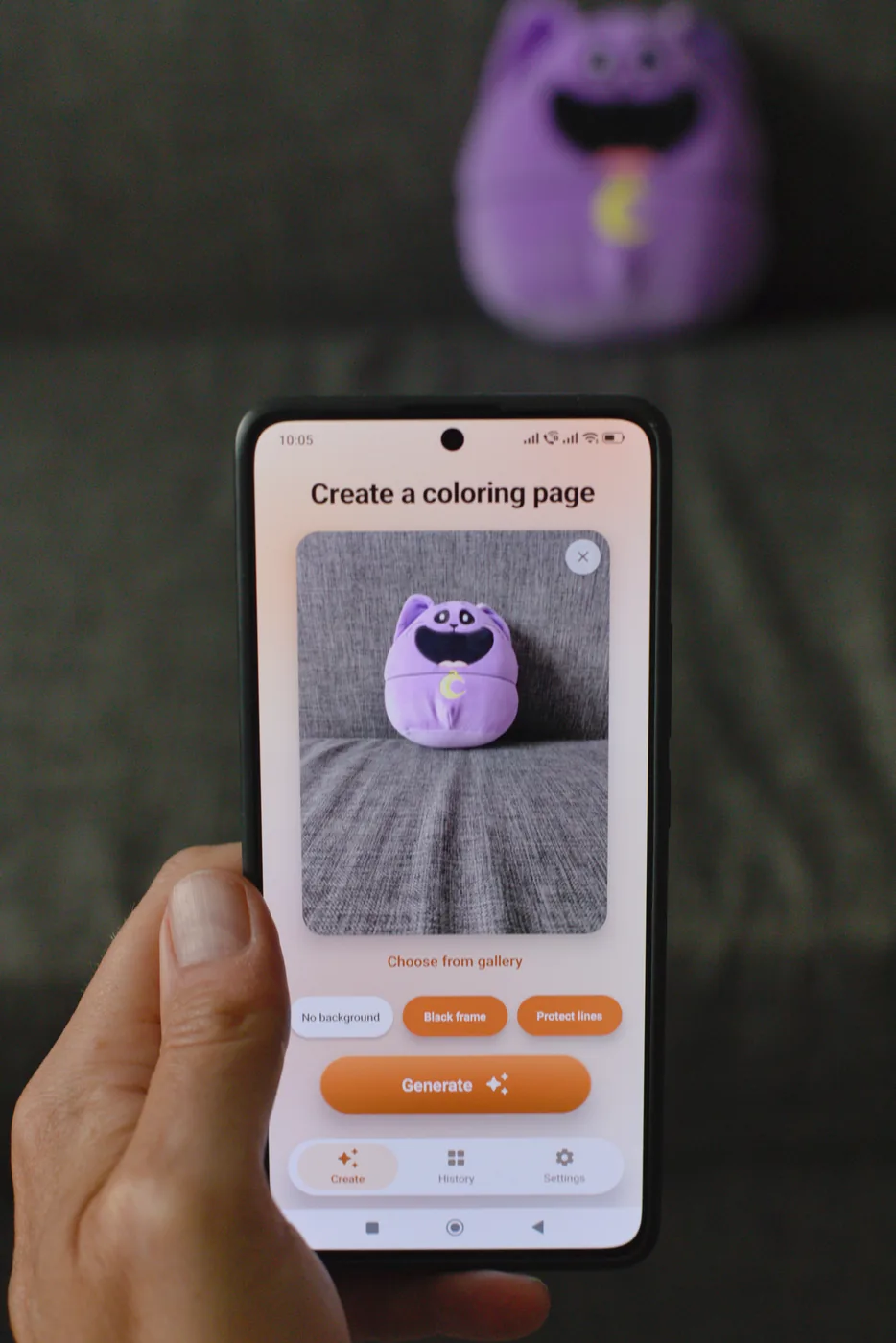
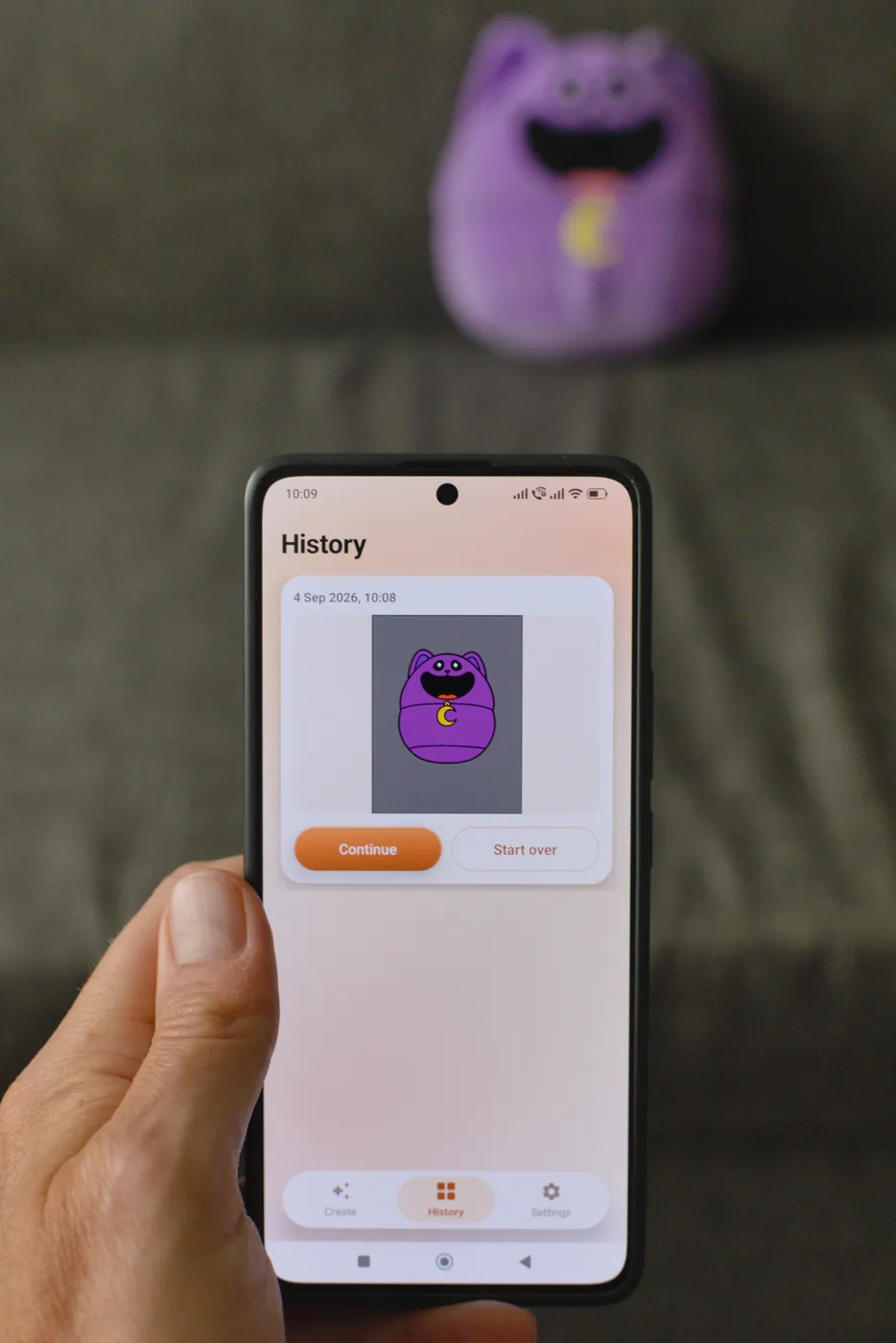
Point your camera at anything: a favourite toy, a pet, a face, a flower. Sketchingo draws it as clean black line art. Then color it in, right on your phone.
See who it's for
Coloring is not just for one age group, and neither is Sketchingo.
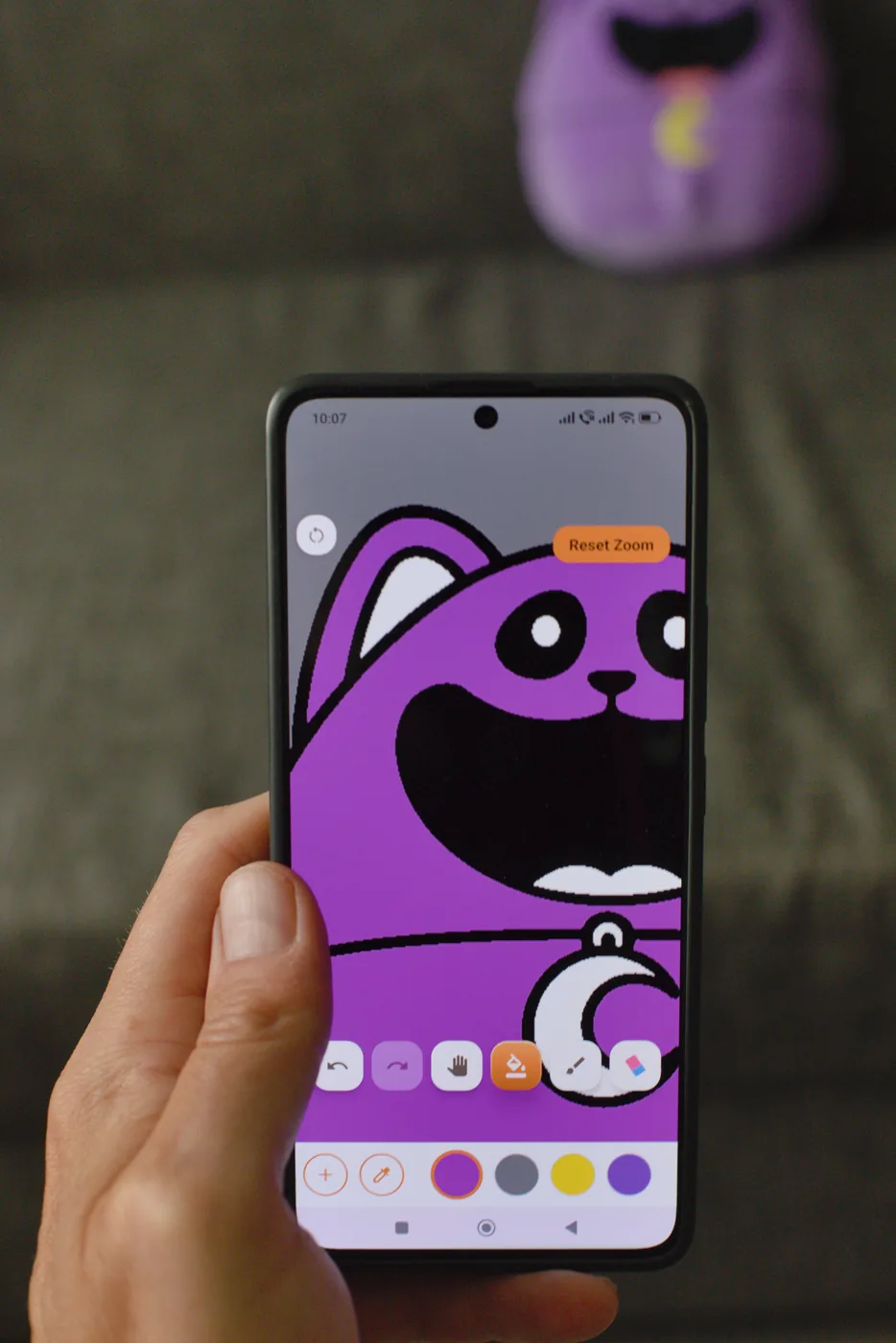
If you already colour to unwind, you know the frustration of running out of pages you actually like. Sketchingo gives you an endless supply made from your own photographs: your garden, your travels, your own cat. Zoom in and take your time over the fine details, or fill large areas in a single tap.
Children can photograph the toy they carry everywhere and colour it in themselves a minute later. It works on anything they can point a camera at: a plush toy, a drawing they made, the family dog. Big buttons, simple tools, and outlines that stay clean no matter how enthusiastically they paint.
Everything you need to go from photograph to finished page.
Take a new photo or pick one you already have.
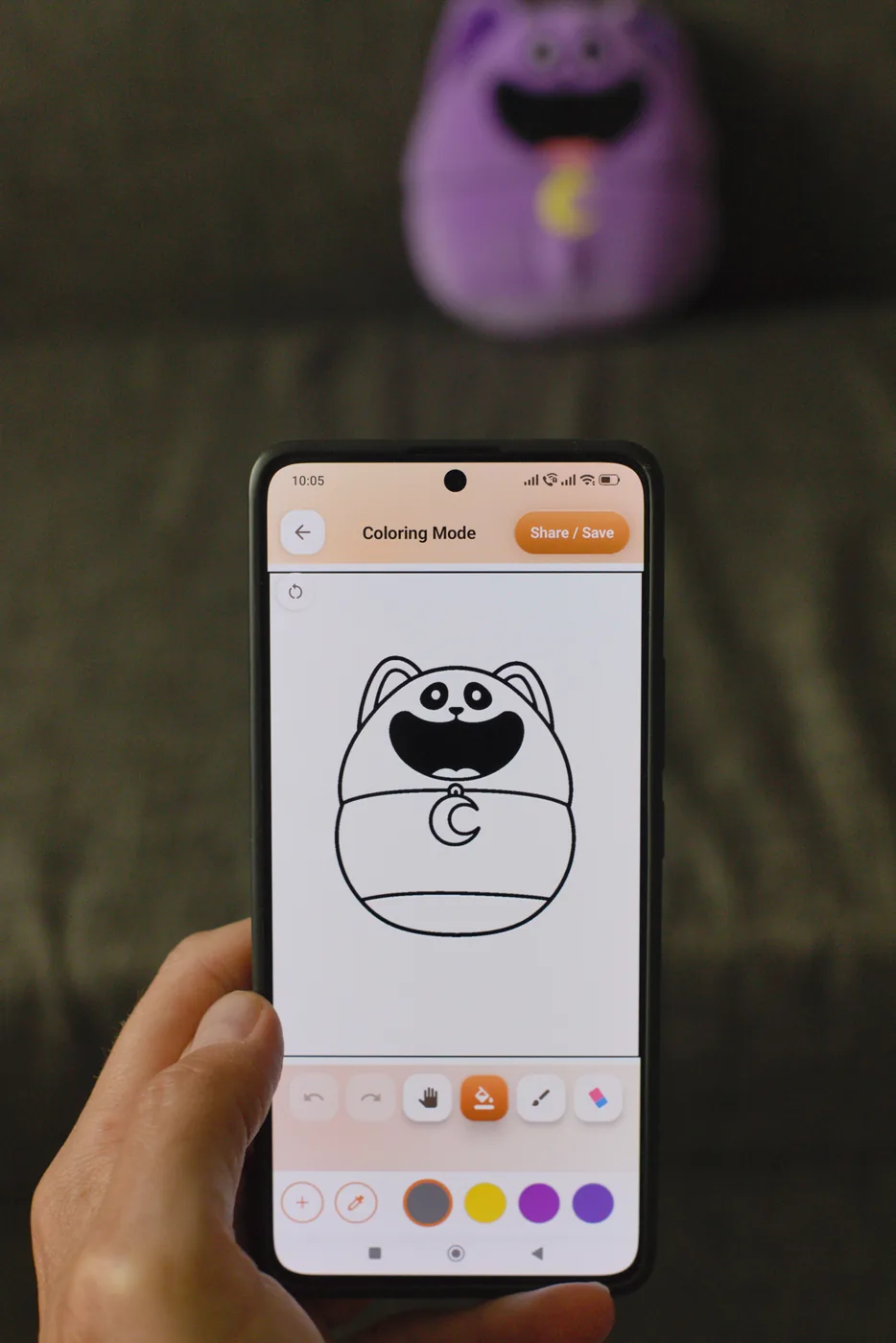
Sharp black outlines on white, ready to colour or print.
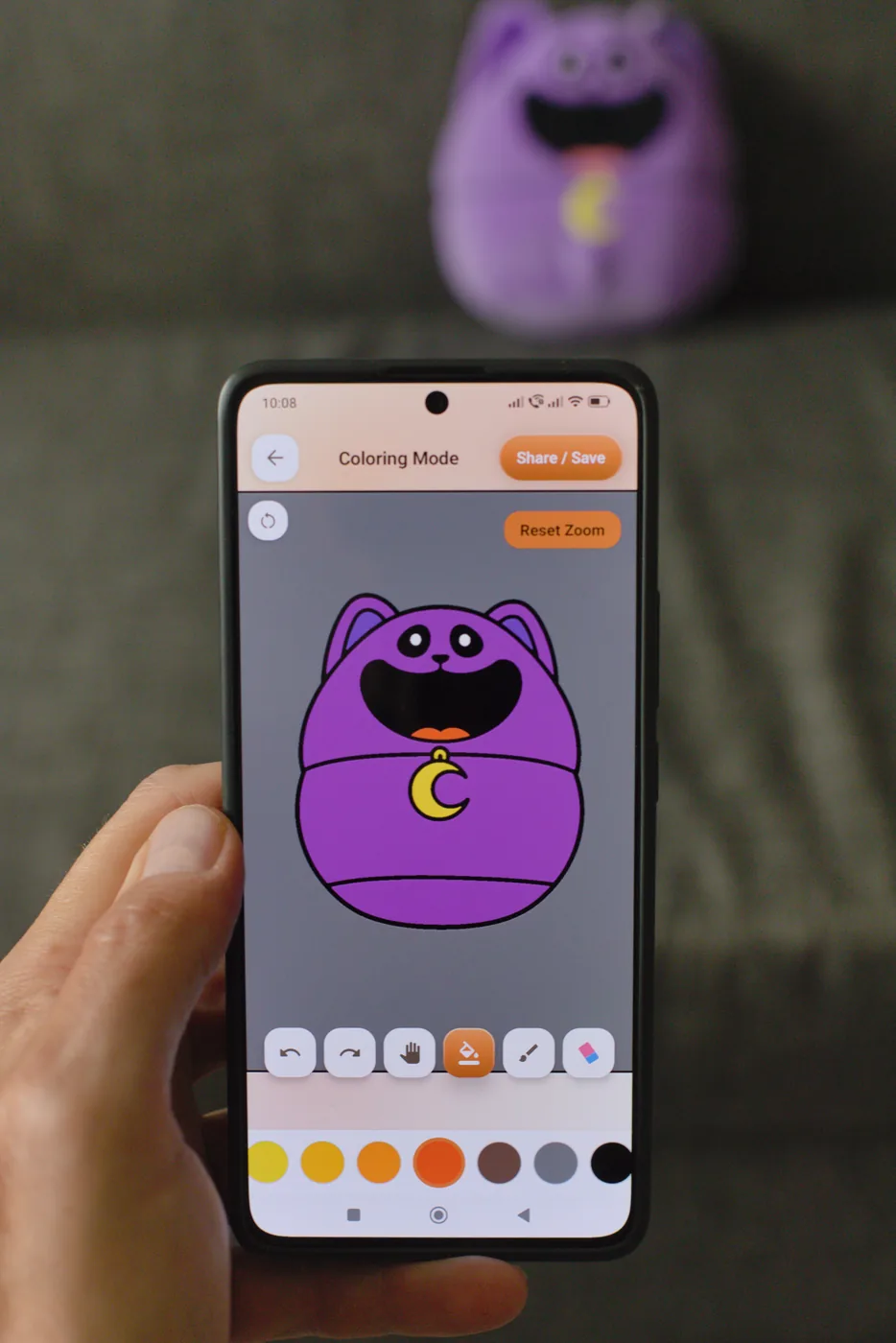
Tap to flood an area, or paint freehand with an adjustable brush.
Paint right up to a line without ever painting over it.
Get close for the fiddly bits, then reset with one tap.
Every page is saved with your progress, so you can come back later.
Step back through your changes, or wipe the colour and begin again.
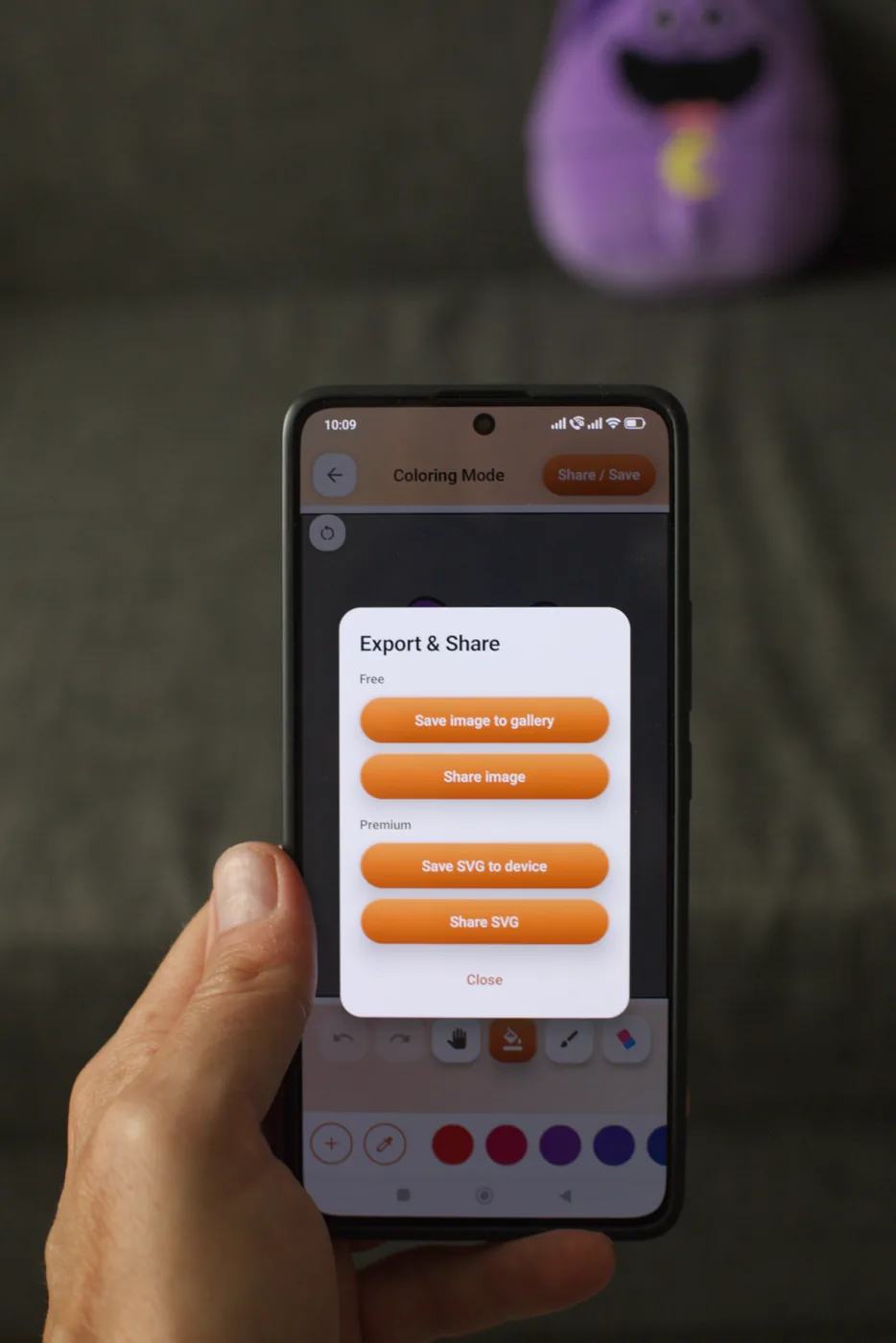
Export to your gallery, or share your finished page with anyone.